


Gembet Singapore: Managing Local Payment Channels and PayNow Transactions
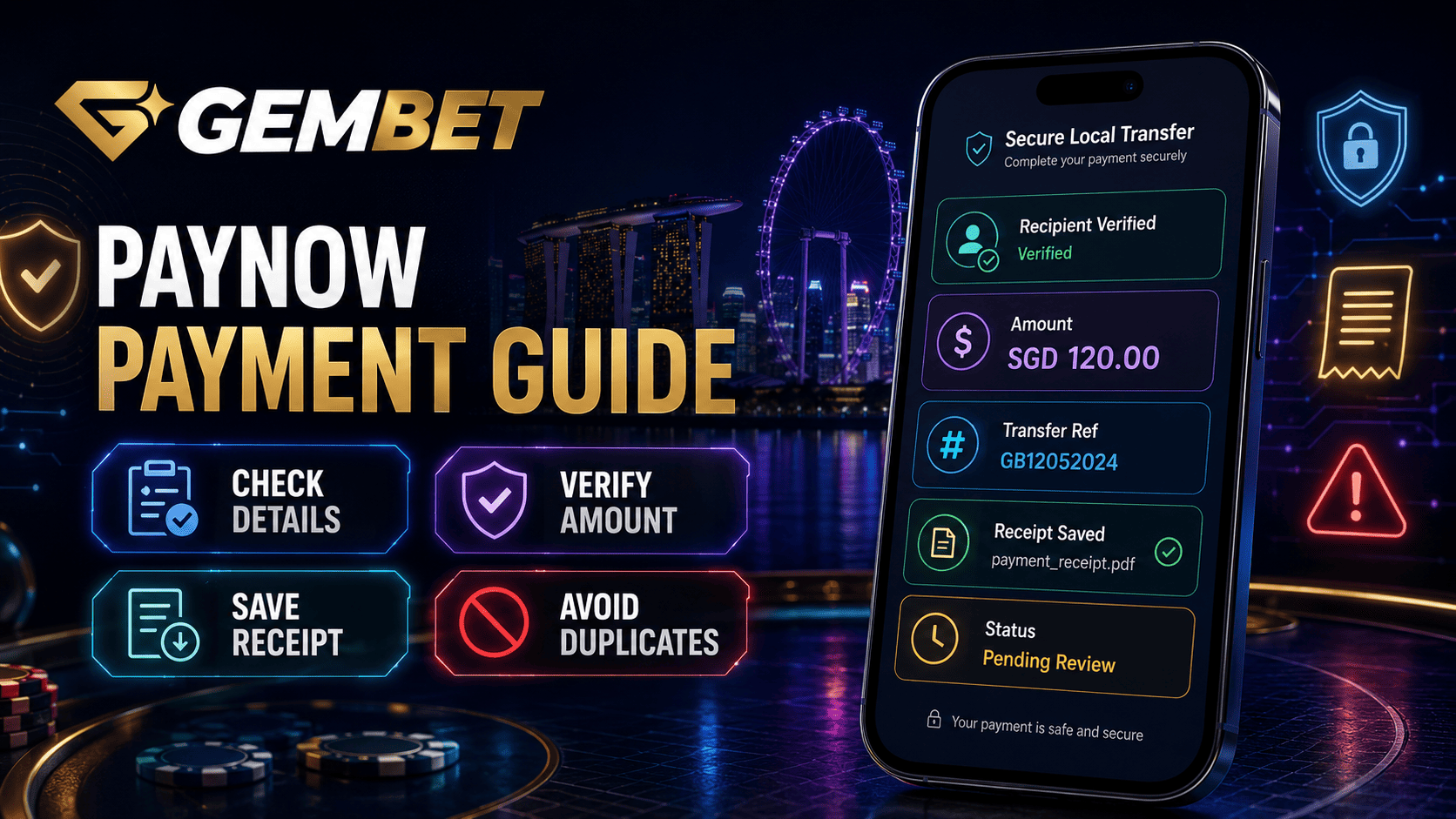
Managing transactions on Gembet Singapore starts with the instructions shown in the current cashier. Do not assume that every transfer uses the same provider, QR format, minimum amount, or processing flow. This guide explains how to review a Payment request, complete a PayNow transfer, match your bank details, prevent duplicate deposits, and respond carefully when a transaction remains pending.
Before sending funds, open Gembet Singapore from a verified page, sign in, and confirm that the chosen method is displayed for your account. The available options can change, so an old screenshot, saved recipient, or previous QR code should never replace the active cashier instructions.
1. Review the Gembet Singapore Cashier First
The official Gembet help center currently lists PayNow among its SGD deposit methods. Its PayNow guide instructs users to choose the method, enter an amount, provide the account-holder name when requested, copy the newly displayed transfer details, complete the transfer in a banking app, and return to confirm the transaction. The live cashier should remain the primary reference because provider availability and instructions can change.
On Gembet Singapore, one flow may display transfer details to copy, while another may offer a QR code. Do not assume every deposit uses the same interface. Read the current screen from top to bottom and check the amount, recipient, reference, and any completion button before leaving the page.
2. Understand How PayNow Works
PayNow is a Singapore-dollar transfer service offered through participating banks and financial institutions. It uses FAST and can identify recipients through details such as a mobile number, NRIC or FIN, UEN, or VPA. PayNow can move funds quickly between participating institutions, but network speed does not guarantee that Gembet Singapore or a selected provider will reconcile the deposit immediately.
That distinction matters. Your banking app may show a completed transfer while the cashier still shows pending. Treat those as two separate stages: the bank transfer and the platform reconciliation. Do not send another Payment merely because the balance has not updated at once.
3. Complete a Gembet Singapore Deposit Step by Step
- Open the cashier from your signed-in Gembet Singapore account.
- Select the currently available PayNow or local transfer option.
- Enter the intended amount and review any displayed limits.
- Use only the recipient or QR details generated for that request.
- Open your official banking app and confirm the recipient name.
- Check the amount and reference before authorizing the transfer.
- Save the receipt, return to Gembet Singapore, and follow the displayed confirmation step.
- Check the transaction status before creating another request.
This sequence keeps each transaction tied to one cashier reference. It also makes later troubleshooting easier because the amount, time, recipient, and bank confirmation can be compared with the correct request.
4. Verify Every Payment Detail Before Approval
Before approving any Payment, compare the information in your banking app with the information shown on Gembet Singapore. The recipient, amount, and reference should match the active request. If anything is different, stop and return to the cashier rather than guessing which detail is correct.
| Detail to Check | What to Confirm | Why It Matters |
|---|---|---|
| Recipient | Name or identifier shown in the active request | Reduces the risk of sending funds to the wrong destination |
| Amount | Exact value entered in the cashier | Helps the provider match the transfer correctly |
| Reference | Current transaction reference, when provided | Links the bank record to the correct request |
| Status | Pending, completed, failed, or cancelled | Prevents unnecessary duplicate transfers |
Never reuse an old QR code or saved recipient just because it worked previously. Gembet Singapore may display different instructions for a new request, and a previous reference may no longer correspond to the deposit you are trying to complete.
5. Keep Bank and Account Information Consistent
The current Gembet PayNow guide asks first-time depositors to enter the full name shown on their bank account. Enter requested information truthfully and keep the funding account consistent with the player profile when required. Incorrect or incomplete details can make a review more difficult.
Avoid third-party transfers unless the active terms explicitly allow them. Do not ask a friend to fund Gembet Singapore on your behalf simply because your own banking app is unavailable. One truthful personal account and matching ownership information are easier to verify and reduce confusion if support later requests evidence.
6. Handle a Pending Gembet Singapore Transaction
If your bank shows that the transfer succeeded but the Gembet Singapore balance has not changed, do not create another deposit immediately. First, check the cashier history and compare the amount, transfer time, recipient, and reference with the receipt.
Then wait for the current status to update or use the official support option displayed in your account. Provide only the information requested, such as the transaction reference, date, time, amount, and a redacted confirmation image. A redacted receipt should hide unrelated balances, account numbers, and personal transactions while leaving the relevant transfer details visible.
Do not assume support can provide an instant manual credit. Reconciliation may depend on the selected provider, the information supplied, and the transaction status. Gembet Singapore users should avoid duplicate transfers while an earlier request remains unresolved.
7. Protect Mobile Banking and Gembet Singapore Access
When completing a transfer on a mobile device or progressive web app, open Gembet Singapore from a verified bookmark or directly typed address. Avoid links from unexpected messages, copied advertisements, or unfamiliar support accounts.
Keep your phone protected with a PIN, fingerprint, or facial recognition. Update the operating system, browser, and banking app. Complete authentication only inside the official bank application. PayNow does not require you to reveal your bank password or one-time code to the recipient.
Do not share an OTP, full card number, complete bank login, or screen-sharing access with another person. Use a trusted private connection rather than unknown public Wi-Fi when handling a Payment or uploading financial evidence.
8. Know When to Stop and Contact Support
Stop the process if the recipient changes unexpectedly, the amount does not match, the QR code appears expired, the browser redirects to an unfamiliar domain, or the cashier shows an error. Taking a screenshot of the error can help, but remove unrelated personal details before sending it.
Use only the official support channel linked from Gembet Singapore. Describe what happened in order: method selected, amount entered, time sent, bank status, and cashier status. Clear information is more useful than repeatedly refreshing the page or opening several new requests.
Keep Clear Transaction Records
Good record keeping makes troubleshooting easier. Keep the receipt for each completed transfer until the cashier status is resolved. Record the date, time, amount, recipient, reference, and method. Do not store passwords, one-time codes, or full account numbers.
When contacting support, send only the record connected to the unresolved transfer. Avoid uploading a bank statement unless the verification process specifically requests it. A focused record helps support compare the cashier request with the bank confirmation without exposing other financial activity. Delete screenshots securely after the issue is settled and your records are no longer required.
Gembet Singapore Transaction Checklist

- Open the cashier from a verified Gembet Singapore page.
- Confirm that PayNow or the chosen method is currently displayed.
- Read the active instructions instead of relying on an old screenshot.
- Verify the recipient, amount, and reference in your bank app.
- Use truthful account-holder information.
- Save the receipt before leaving the banking app.
- Do not reuse old QR codes or recipient details.
- Do not make a duplicate transfer while one is pending.
- Use official support and redact unrelated personal information.
- Keep each Payment within a fixed entertainment budget.
Legal and Responsible Use in Singapore
Singapore readers should verify the legal position before using any remote gambling service. The Gambling Regulatory Authority states that Singapore Pools is the only operator licensed by GRA to provide remote gambling services and that providing unlicensed remote gambling services to people situated in Singapore is unlawful.
Transaction convenience does not remove gambling risk. Set a fixed entertainment budget before using Gembet Singapore or any betting service. Do not use money needed for rent, food, bills, savings, debt, or emergencies, and do not make additional deposits to recover losses.
Best Way to Manage Gembet Singapore Transactions
The best way to manage Gembet Singapore activity is to handle one request at a time. Check the current cashier, verify every transfer detail, complete authentication in your own banking app, save the receipt, and confirm the status before taking another action.
If a transaction remains pending, compare the receipt with the cashier reference and contact official support instead of sending another transfer. A careful Payment routine cannot guarantee instant credit or remove legal and financial risk, but it can reduce avoidable mistakes and make each Gembet Singapore transaction easier to document and review.
Experience the real deal with SG's top Live Dealers. Play Baccarat, Roulette & more.

