


Password Reset Made Easy with Proven Recovery Steps
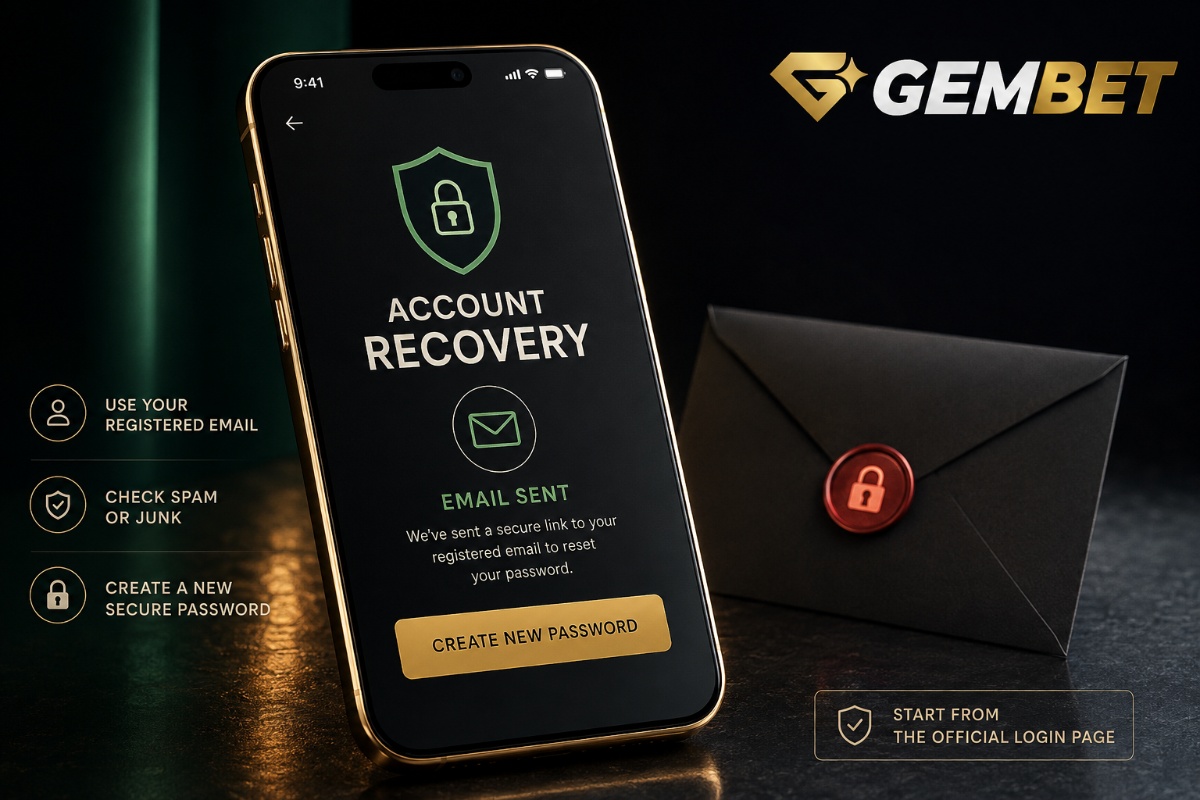
Password reset is the fastest route back into an account when you can no longer remember the password or need to replace it for security reasons. On Gembet, account recovery can be started from the login screen or from the Security section while you are signed in. The process uses your registered email address and a recovery message with a reset link. If the recovery process is not working, the problem is often the email address, inbox filtering, an expired link or a new password that does not meet the required format.
Password reset starts with the registered email
The recovery process depends on the email connected to the account. From the login screen, select Forgot Password?, enter the registered email address and send the request. A recovery email should then arrive with a Reset Password button that opens the page for creating a new password.
Before requesting another recovery email, check that the email address was entered correctly. A small spelling error, missing character or use of a different inbox can prevent the recovery message from reaching the account you are trying to access.
Check spam before requesting the email repeatedly
A recovery message can sometimes be filtered into Spam, Junk, Promotions or another secondary inbox. Search for the recovery email before pressing the send button several times. Multiple requests can create several messages, making it less obvious which reset link should be used.
If a recent recovery message is already present, open that message and follow its reset button. Keeping the process to one current request also makes it easier to identify the correct email if several older recovery messages remain in the inbox.
Use a new password that meets the requirements
The new password must contain at least eight characters. When completing the reset, enter the new value carefully and repeat it in the confirmation field. Both entries need to match.
A longer, unique password is generally easier to protect than reusing one already connected to another website. Avoid using easily guessed information such as a name followed by a birth year or a sequence like 12345678 simply because it meets the minimum character count.
You can also change the password while signed in
You do not have to wait until you are locked out to use the recovery option. While logged in, open the Profile area, go to Security under Settings and choose Password Reset. Enter the registered email address, send the request and use the recovery email to create the replacement password.
This is useful when the existing password may have been shared, reused elsewhere or simply needs to be changed as part of routine account security.
Google sign-in works differently from a normal password
If your Gembet account is linked to Google, you can use Continue with Google to sign in without entering a separate Gembet password. If you later want to create a password, the recovery option can still be used with the linked email address.
On Safari, Google sign-in can temporarily redirect you to the Google authentication page before returning you to the account. That expected redirect should not be confused with a random third-party page. Always check the address if a login page appears somewhere you did not expect.
Account recovery should never start from an unknown link
Search results, unsolicited messages and copied links can imitate account-recovery pages. Start account recovery from the official Gembet login page or from the signed-in Security section rather than following a recovery link sent by an unknown person.
A legitimate recovery flow does not require you to send someone your password, banking PIN or one-time banking code. The reset page is for creating a new account password, not for verifying payment credentials.
What if the password reset email never arrives?
First check Spam and Junk, then confirm that you requested recovery for the email actually connected to the account. Wait briefly for normal email delivery before starting another password reset request.
If the account email itself is wrong or no longer accessible, repeating the same request will not solve the underlying problem. Use the available support channel to verify the account and explain that the registered email cannot be accessed rather than creating another account just to regain entry.
Do not create a second account to bypass recovery
Password reset exists to restore access to the original account. Opening another account because the first password was forgotten can create unnecessary confusion around account details, payment history and verification. Recover the existing account instead of treating a new registration as a password workaround.
Keep the username, Player ID or registered email available if support needs to identify the correct account. Do not post those details publicly or send them to unofficial contacts.
Make sure the two password fields match
A common password reset error happens after the recovery link has already worked. The new password and confirmation fields may contain slightly different values because of a typo, automatic capitalisation or an accidental space.
Type the new password carefully in both fields. On mobile, check whether the keyboard automatically changed a character or inserted a space. If a password manager generated the password, save the final accepted version before closing the page.
Password reset and two-factor authentication solve different problems
Password reset changes the account password. Two-factor authentication adds another login step using a six-digit code from an authenticator application. Completing one does not automatically remove the requirement for the other.
If two-factor authentication is active, you will still need the authenticator code when logging in unless the device has been trusted under the available login option. A successful password reset therefore does not mean a missing authenticator code can be ignored.
What if the email verification code is missing?
When setting up two-factor authentication, the initial email verification code is separate from the normal password reset email. Check Spam or Junk if that six-digit code is missing. Up to three codes can be requested during one setup session before restarting the process.
Do not mix an authentication setup code with a password recovery link. They serve different security functions and should be used only on the screen that requested them.
Changing the password does not change pending transactions
Password reset affects account access, not the settlement of deposits, withdrawals or sports wagers. If a payment was already pending before the password changed, the transaction still follows its own processing flow.
For example, if money has left the bank but has not yet appeared in the account, our deposit pending guide explains the checks to make before sending another transfer. Changing the password will not speed up that payment.
Use password reset after suspicious account access
If you believe someone else may know the password, use password reset promptly and choose a replacement that has not been used on another service. Afterwards, review the account’s available security settings and consider enabling two-factor authentication.
Reusing the same compromised password defeats the purpose of recovery. A password reset should create a genuinely new credential rather than a minor variation of the old one.
Keep the new password away from shared devices
Account recovery can succeed technically but still leave the account exposed if the new password is saved on a shared computer or phone. Be cautious with browser password-saving prompts when using a device that other people can access.
After password reset on a shared device, sign out when finished and avoid marking the device as trusted for future security checks. A personal device with a secure screen lock provides a better place for ongoing account access.
Use the current Gembet recovery flow
For password reset on Gembet, start from Log in and select Forgot Password? if you are signed out. If you are already inside the account, open Profile, choose Security and select Password Reset. In both cases, the registered email address is used to send the recovery message.
You can review the current steps in the password reset guide. Use the live account flow as the final reference rather than instructions copied from an unrelated website or an old screenshot.
Password reset is easier when recovery stays simple
Password reset should be a short account-recovery process: start from the official login or Security page, use the registered email, find the current recovery message and create a valid new password. Most problems come from adding unnecessary steps, using the wrong inbox or following an outdated or unofficial link.
If password reset still fails after checking the registered email, spam folders, password format and current recovery message, use official support instead of repeatedly guessing credentials. Keep the replacement password unique and secure, and treat two-factor authentication as an additional layer rather than a substitute. Password reset works best when it restores access to the existing account without creating duplicate accounts, exposing credentials or confusing the issue with unrelated payment or betting problems.
Experience the real deal with SG's top Live Dealers. Play Baccarat, Roulette & more.

